


Summary
Warehouse slotting is deciding which items go where in a warehouse. This decision is based on multiple objectives, but most commonly on how often the item is picked, what it gets ordered with, its size and weight, and the storage rules that apply to it.
What is warehouse slotting?
Every SKU that arrives in a warehouse needs an assigned location. The objectives behind that decision differ from warehouse to warehouse. Typically the assignment balances several things that work against each other: picking walk distance, aisle congestion, pick-to-pallet stackability rules and replenishment effort, on top of fixed compliance limits.
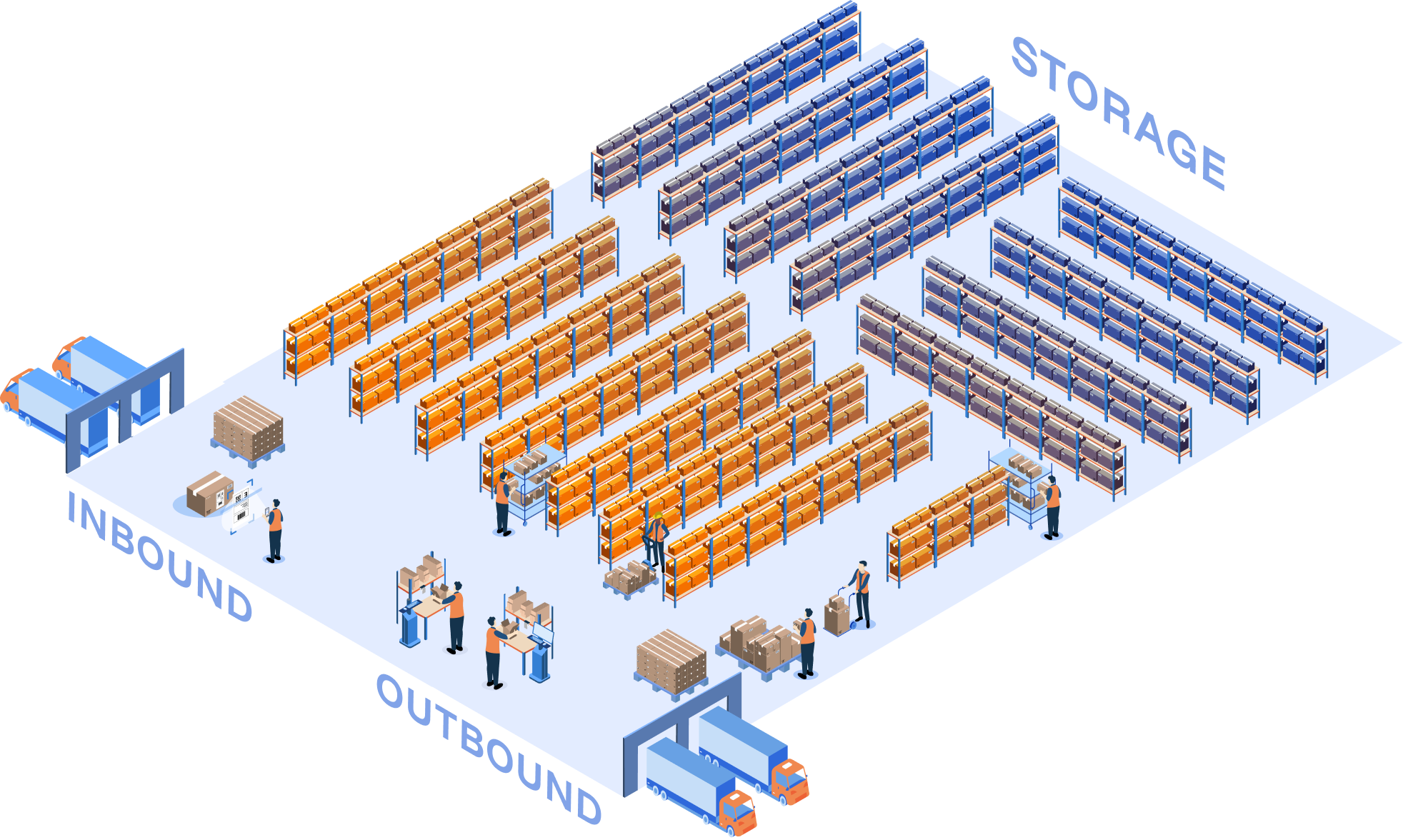
Most slot plans prioritize walk distance, and there is a good reason for that. In a picker-to-part warehouse, travel is the most expensive activity in the whole picking operation, at around 55% of picking time (Axioms, 2023). Shorten the walk and you move the biggest number in the building.
Optimizing for walk distance means putting the fast movers, the products ordered most often, closest to outbound. In return congestion goes up, because more pickers now visit the same locations and start blocking each other. This is where slotting strategies and optimization algorithms come in. Their job is to balance the objectives against each other, not to maximize one.
Basic slotting optimizers only look at walk distance. In more advanced slotting optimization, every slot assignment is a compromise across at least five objectives, and improving one comes at the expense of another. The weight each objective carries should also change with the goal and the season.
What objectives a slot plan has to balance
The optimization reads data the warehouse already has. Pick frequency, what each SKU gets ordered with, cube and weight, and expiry profile where FEFO applies. Then the zone rules, which rule out most of the building before anything else is considered.
What it does with that data is weigh eight objectives, seven of which can be dialled up or down.
- Travel distance. Puts the most-picked SKUs closest to the depot and keeps co-picked SKUs near each other. The cost: fast movers pile into the same aisles and product families get split apart.
- Congestion. Spreads fast movers across different aisles so pickers do not stack up in one spot. The cost: once they are spread out, the walk to reach them gets longer.
- Ergonomics. Fast movers at grab height, heavy items at safe-lift height. The cost: the easy-reach slots are reserved, so the rest of the bins get used less efficiently.
- Stackability. Sturdy items picked before fragile ones, so nothing fragile is crushed under later picks. The cost: early stops on the route go to sturdy items, not to your fastest movers.
- Poka-yoke. Poka-yoke is a Japanese manufacturing term for mistake-proofing: arranging the work so the wrong action is hard to take. In slotting it means keeping look-alike SKUs apart, so a picker under time pressure cannot grab the wrong one by reflex. The cost: look-alikes usually come from the same family, so splitting them breaks the family up.
- Category grouping. Each product family in one zone, so a picker does a single short loop per family. The cost: keeping a family together puts look-alike items side by side, which is where mispicks come from.
- Fill rate. Items in bins close to their own size, so you are not carrying half-empty bays. The cost: the bin that fits the item best is rarely the one at the right height to pick from.
- Compliance. Zone tags, location weight limits and location size limits. Most warehouses leave this one fixed, because these are safety and legal limits. Everything else gets optimized around them.
Read the list again and the pattern is hard to miss. Every entry has a cost, and the cost usually lands on another entry in the same list. Category grouping fights poka-yoke. Travel distance fights congestion. Fill rate fights ergonomics.
There is no assignment that wins on all eight. That is not a limitation of the software. It is the shape of the problem.
The chart below makes that concrete. Each spoke is one of the eight objectives, and the shape is how a slot plan scores across all of them at once.
Pick a single objective to optimize for and watch what happens to the other seven.
The weights are not fixed through the year either. Peak season is the clearest case. In a normal week walk distance is the objective worth the most, and congestion barely registers. At 200% of normal volume the same plan works against you: the aisles holding your fast movers now have several pickers in them at once, and blocking eats the time the short walk saved.
Which objectives to re-weight, and how far, is the subject of 6 slotting mistakes warehouses make before peak season.
When does slotting happen?
Four moments, and most warehouses only use one of them.
1. Re-slotting
Rank every possible move by objective and impact, for example how much walking it would save, then take the top ten or the top fifty and re-slot those locations at the end of the shift.
Picks per hour grow over the following weeks without a project ever being scheduled. The cap on the list is what makes it a job rather than a programme.
2. Full re-slot
Every item gets a location from scratch, based on historic order data. This happens when a site opens, or any time a warehouse decides to redo the whole plan.
It is the hardest of the four to execute, because a large part of the inventory has to physically move. It also has to be paired with ongoing re-slotting, because the plan starts decaying the day it goes live.
3. In replenishment
Every inbound item is a slotting decision. Typically it goes to whatever location is closest or free. Replenishment slotting weighs several factors instead and picks the best of the open locations.
This is the cheapest of the four, because the labor to move the item is already being spent. It is only a matter of making an informed decision about where it lands.
4. SKU housekeeping
Here the locations need attention rather than the items sitting in them. A slow-moving SKU spread across three locations can be merged into one, which frees up two positions.
Splitting a fast mover across two locations stops it running dry mid-shift, which saves the operators a wait and raises picks per hour.
Signs of a suboptimal slotting plan
Warehouse slotting plans naturally decay over time. Order profiles move, promotions come and go, assortments change.
The damage is most visible during peak, when the operation is under load and there is no time left to fix anything. Some things worth checking against your own warehouse:
- Slotting was done once. The plan fits the order profile of the year it was built, and that profile has moved since.
- Slotting lives in Excel. One person owns the sheet and rebuilds it by hand, which is why it gets rebuilt about once a year.
- Only ABC slotting. Ranking SKUs A, B and C by velocity is a fine starting point, and most warehouses should have at least that. It optimizes for one of the eight objectives above and ignores the other seven.
- The WMS does it, without a warehouse layout map. It sees a legal empty bin of the right size, not how far someone walks to reach it.
- New SKUs get whatever location happens to be free. The decision lands on whoever is holding the scanner at receiving.
- No updates to slotting before or after peak season. The weighting that works in a normal week is the wrong one at three times the volume.
- SKU frequency and pairing ignored. Items that ship in the same order sit in different aisles, so one order walks the building.
While some warehouse management systems do include a slotting module, it will find a legal, empty location of the right size and give it to the SKU, which is placement rather than optimization.
Marc Wulfraat of MWPVL International, an independent consultancy that sells no software, writes that "many of these slotting modules are quite frankly overly simplified". Adoption backs that up. The 2024 Warehouse/DC Operations Survey, run by Peerless Research Group for Logistics Management and Modern Materials Handling with 108 qualified respondents, found use of slotting functionality jumped from 12% to 22% in a year. Even after that jump, more than three quarters of warehouses are not using it.
Three or more of these signs and there is likely a double-digit percentage sitting in your pick travel, waiting to be collected.
A simpler way to keep your slot plan current
Warehouse managers need something practical that tells them what to move, and what gain to expect from moving it.
"Move these 20 SKU bins to these locations, based on your last three months of order data, and your team's average pick rate will go up by 5%."
Getting the answer into that shape means reading the physical layout of the warehouse alongside the item and order data, then optimizing against the objectives that matter to you.
The end-of-shift list is where most warehouses start, because the cost of trying it is one operator for part of one shift.
The chart below shows what that compounds into.
End of shift re-slot moves
Our own modelling puts a ten-move list at roughly 3 to 4% more picks per hour, and the curve carries on from there. The line flattens as it goes, so the first handful of moves does most of the work.
Before any of it touches the floor, the whole plan can be tested against a warehouse digital twin of your building. You send an export of your order history, item master and location data. The optimization runs against the twin and comes back with a ranked move list and a projected productivity change.
Once the numbers hold up, the same logic connects to the WMS and the move lists appear in the operation.
Questions?
Slotting is deciding which SKU goes in which location. A good plan weighs pick frequency, what sells together, and the limits of each location, such as weight, temperature or expiry. It cuts walking and frees up space, and it starts decaying the moment your order profile shifts.
At four moments. When the warehouse is set up or fully re-slotted, at every replenishment when an inbound SKU needs a location, continuously through small end-of-shift move lists, and periodically during housekeeping when locations are merged or resized.
Most warehouses only ever run the first one. The continuous version is where most of the value sits, because it keeps the plan close to an order profile that keeps moving.
ABC is a good first pass and a poor final answer. It ranks SKUs by pick frequency and assumes every location can hold anything, which stops being true once temperature zones, weight limits, crush rules and expiry come into it. Published research on the cube-per-order index, the classic slotting heuristic, found its worst case can be arbitrarily far from optimal because it ignores how items interact.
There is no industry standard. Guidance runs from twice a year for spreadsheet operations, to quarterly, to continuous. The interval matters less than the size of the list. Ten to twenty moves at the end of a shift get done. An annual project usually does not.
Most WMS modules assign locations. They do not optimize them against competing constraints, they often cannot handle a SKU that floats between locations, and they rarely model your real layout or travel distances. Pulse runs on top of your WMS and writes the result back, so you keep the system of record.
Five files: your warehouse layout, location data with sizes and capacities, SKU master with weight and cube, order history, and your current SKU-to-location assignment. Around a year of history covers seasonality.
The more you want to optimize for, the more your WMS has to give us. Travel distance needs layout and orders. Add expiry, temperature zones or crush rules and each one needs its own field. We check what you have before anything runs.