










Why Teams Switch Away From Microsoft Power Apps

Not Built for Scanners
AI Vision Too Complex
Requires Developers and IT
Expensive for Temp Staff
Difficult User Management
Mobile-First No-Code AI App Builder
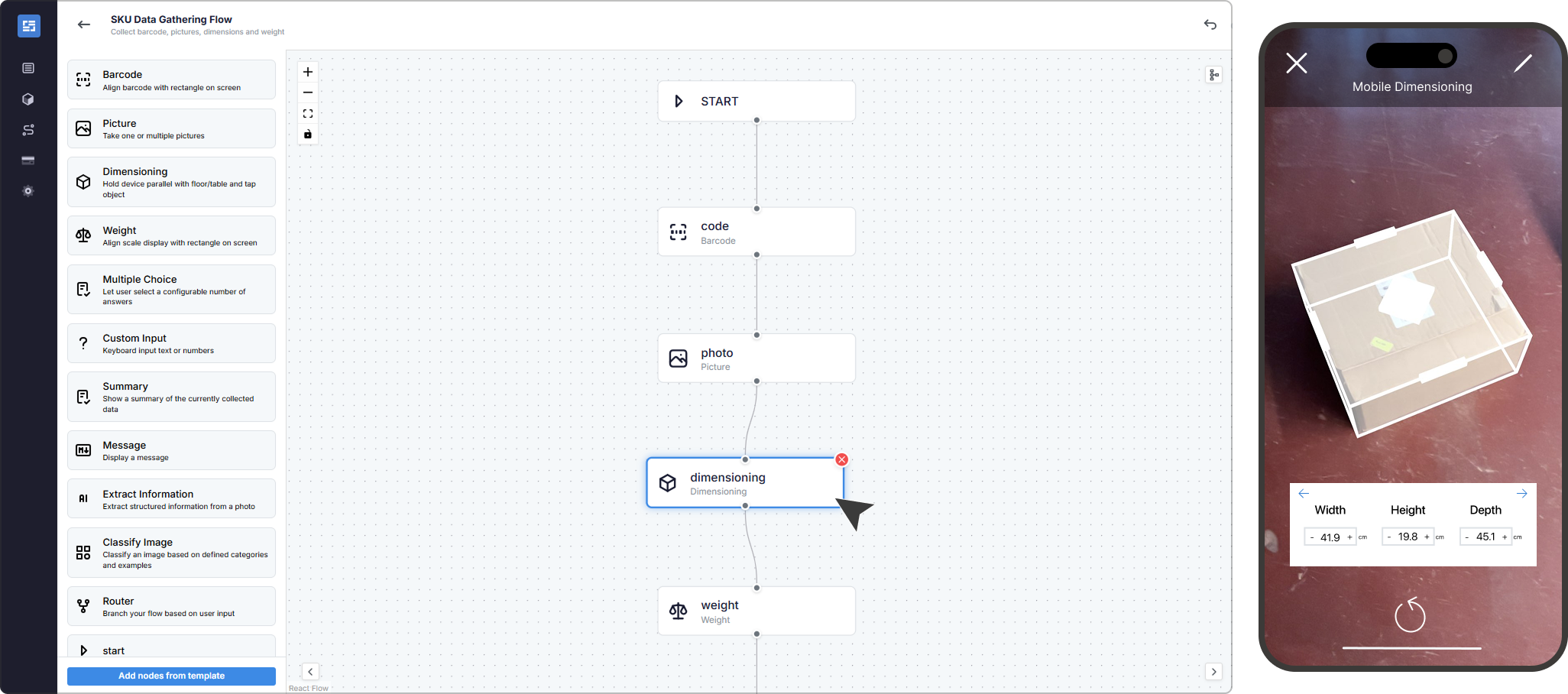
Drag and drop the data you want to capture and start scanning.
Built for Logistics Operations, Not Office Workflows
Create apps that adapt to how you work with flux
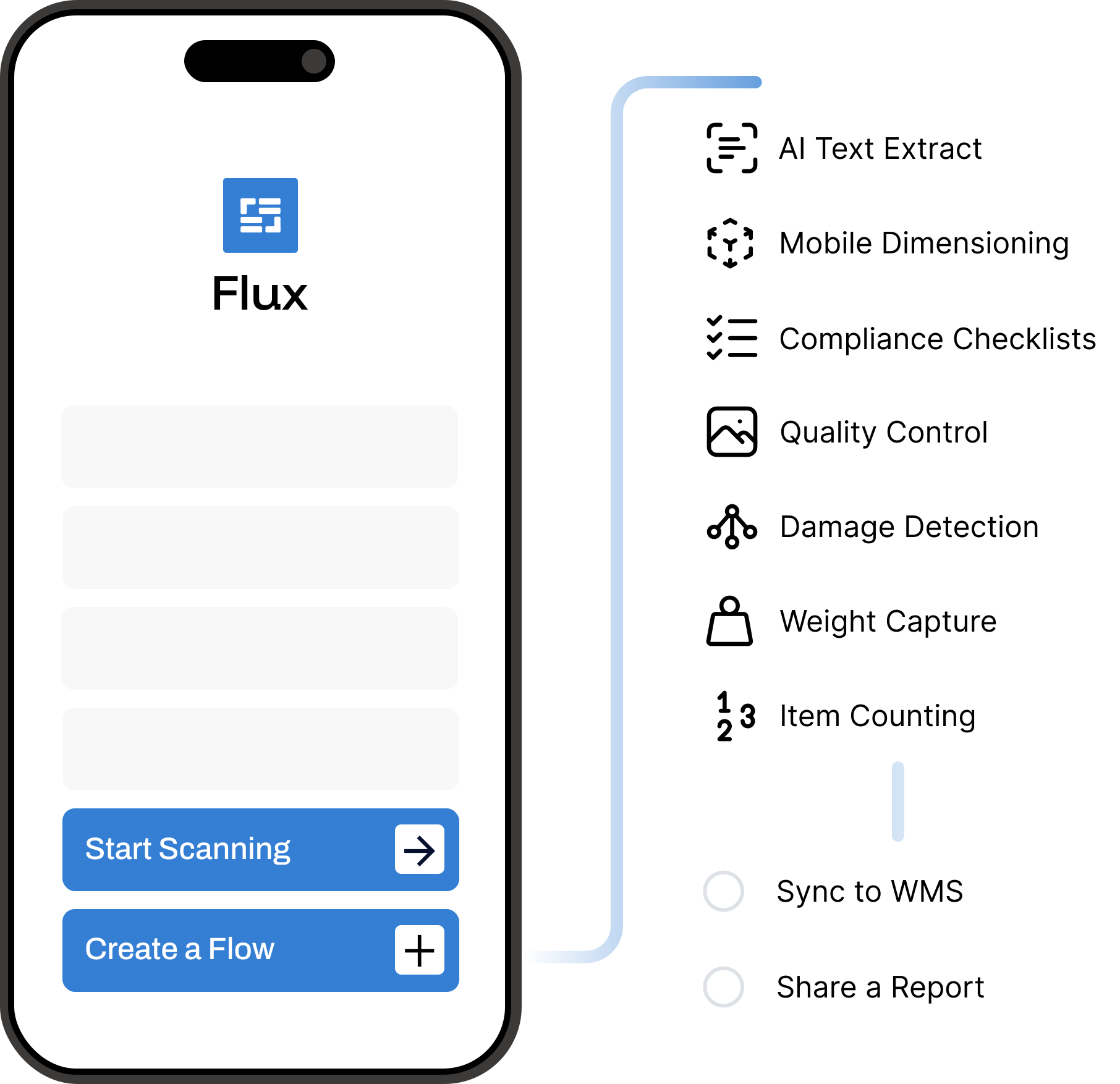
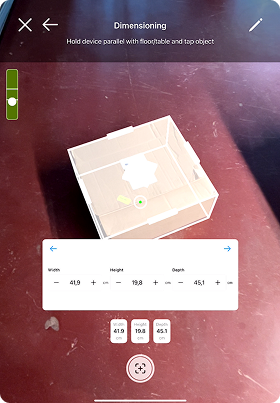
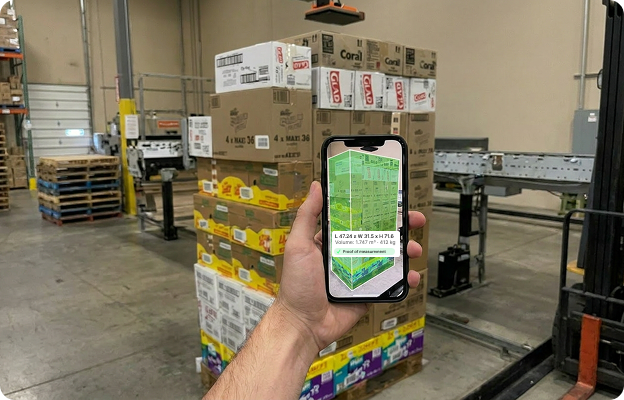
Mobile Dimensioning App
Capture accurate measurements of SKUs, parcels, pallets, and oversized items anywhere, using a mobile device.
Compatible devices include: iPad Pro (2020+), iPhone 13 Pro+, or Zebra TC53/58 with ToF sensor.
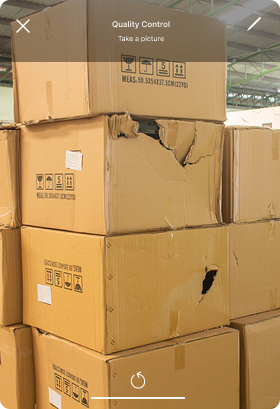
Cargo Inspection App
Avoid damage claims by capturing visual proof of cargo conditions. Share reports with colleagues and carriers.
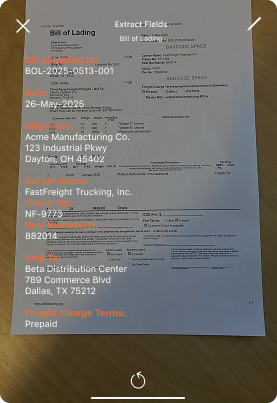
Document Scanning App
Use AI-powered optical character recognition (OCR) to extract fields from any document such as packing lists, shipment labels or a bill of lading.
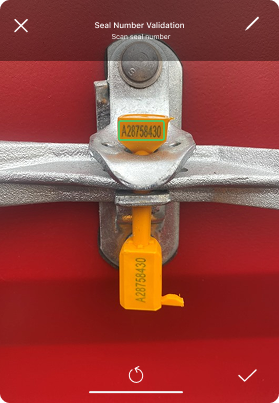
Compliance Audit App
Digitize any compliance checklist. Capture and share condition of goods or inventory with visual proof and time stamps.
Start Building With The
No-Code Workflow Builder


Seamless Data Sharing
with Teams and Systems
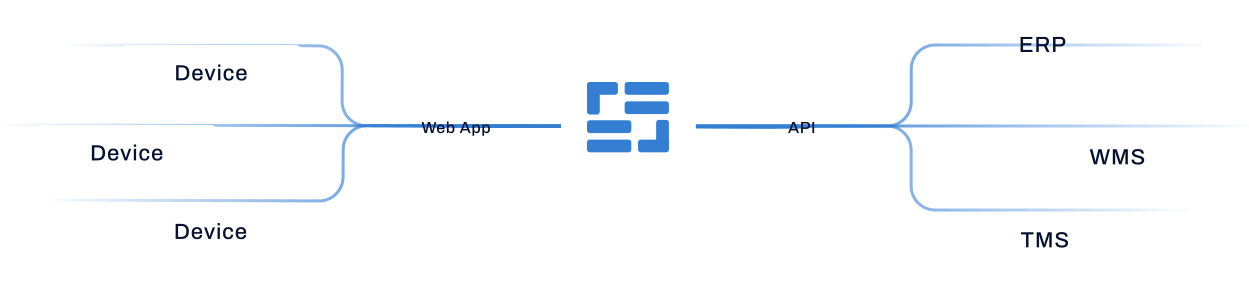
Share data with your colleagues, customers and carriers. Data from all devices ready for exporting or sharing via API integration.
Pricing
Cost-Efficient Plans for Every Warehouse
Ripple
- 1 device
- 500 completed flows
- 250 AI module calls
- Email support
Stream
- 5 devices
- 2'500 completed flows
- 1'250 AI module calls
- Email support
Surge
- 10 devices
- 5'000 completed flows
- 2'500 AI module calls
- Priority support
Wave
- Unlimited devices
- Unlimited completed flows
- Unlimited AI module calls
- SSO
- Dedicated support
Ripple
- 1 device
- 500 completed flows
- 250 AI module calls
- Email support
Stream
- 5 devices
- 2'500 completed flows
- 1'250 AI module calls
- Email support
Surge
- 10 devices
- 5'000 completed flows
- 2'500 AI module calls
- Priority support
Wave
- Unlimited devices
- Unlimited completed flows
- Unlimited AI module calls
- SSO
- Dedicated support

Get a Tailored Walkthrough
See how Flux can fit your process

Latest articles

Questions?
Flux has a free trial. When you’re ready to scale, pricing is based on usage. Whether you’re scanning a handful of items per day or thousands per week, there’s a plan to fit your operations.
For mobile dimensioning, yes. It needs a depth sensor, so an iPhone 13 Pro or newer, an iPad Pro from 2020, or a Zebra TC53 or TC58.
For everything else, no. AI vision scanning, AI execution models, barcode scanning, photo capture and every other module run on any iOS or Android device.
Two parts. A mobile app your team uses on the floor, and a web app where you build flows, manage users and share reports.
Yes, your team can create different data capture flows. You can build and edit flows for various processes, including, but not limited to, cargo inspections, return logistics, or inbound receiving. Connect different modules based on your processes: from simple data capture to advanced AI modules.
Yes, Flux connects to your WMS, TMS, OMS or ERP. You do not need that integration to start. You can run Flux on its own and connect it later.
Yes, in Flux you can set user roles, permissions, and access. Track devices across warehouses. Organize your flows and data per location.
Yes, Flux works offline. Data can be captured offline and will sync automatically once the device reconnects to the internet.
A flow is one job in the app, built from the steps you choose: scan a barcode, take a photo, measure an item, fill in a field. Your team follows the same sequence every time and the result is saved as a structured record. Flows are also the unit the plans are counted in.